




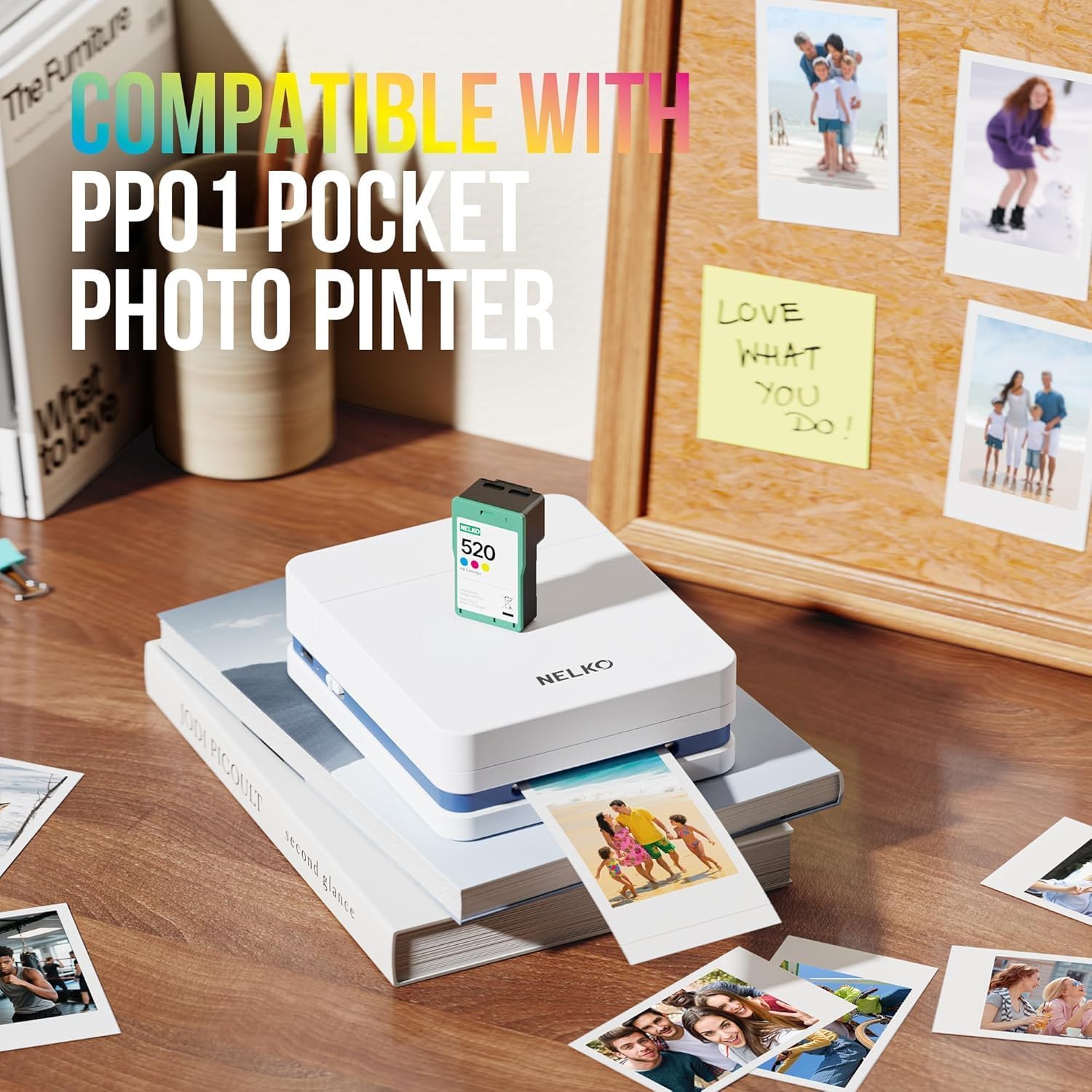


Nelko 520 Genuine Color Ink Cartridges, 2.0 High-Yield Ink Cartridge Compatible with PP01 & PP03 Photo Printer, Water Oxidation-Proof, Photo Printer Cartridge for PP01 Photo Printing, for Home&School

 4.0 (15 items)
 Limited Time Sale
US$13.79 cheaper than the new price!!
Free cash-on-delivery fees for purchases over $99
Product details
| Management number | 216991702 | Release Date | 2026/04/19 | List Price | US$9.20 | Model Number | 216991702 | ||
|---|---|---|---|---|---|---|---|---|---|
| Category | |||||||||
- Smooth & Stable Output: The 520 ink cartridge is equipped with an intelligent chip that perfectly matches the Nelko PP01 photo printer, ensuring a smooth printing process without clogging, stable and reliable output. Designed for convenience, every cartridge comes with a built-in waste ink container that should be replaced along with the cartridge. Note: One ink cartridge can print up to 80 photos
- High-quality Printing: The ink cartridge uses high-quality dye ink, which delivers bright, saturated colors and sharp resolution. Perfect for daily photos, travel memories, or journaling. Note: If not used for a long time, the ink may dry out. Simply tear the cartridge and gently wipe the print head vertically with a lint-free cloth or cotton pad
- Water-Resistant Prints: Printed works are waterproof as soon as they dry, and are not easily smudged when exposed to water, effectively protecting the integrity of the image and providing peace of mind for daily browsing and collection. Our genuine ink cartridges offer reliable printing quality at an affordable price, greatly reducing your printing costs and allowing you to enjoy the fun of photography
- Easy to Use: Nelko 520 genuine color ink cartridges are compatible with PP01 & PP03 Photo Printer. Step 1: Press the power button of the machine. Step 2: Open the ink cartridge compartment and ensure it is pulled to the end. Step 3: Wait for 10 seconds to center the ink cartridge compartment. Step 4: Tear off the ink cartridge packaging and protective plastic tape. Step 5: Install the cartridge in the correct printer slot. Note: The transparent protective film needs to be gently peeled off
- Versatile Usage: Ideal for travel journals, party favors, and family gatherings, this photo ink cartridge supports students in creating planners and printed photos. Crafters can use it for DIY projects, custom labels, and scrapbooking. It serves as an excellent tool for bloggers, small businesses, and event photographers to make instant giveaways. Personalize photos for holidays, birthdays, and everyday moments, and craft delightful surprises for Christmas and Thanksgiving with your inkjet photo printer
Bestseller ranking
Inkjet Ink Cartridges



Correction of product information
If you notice any omissions or errors in the product information on this page, please use the correction request form below.
Correction Request Form